
Integration Guide
Ghost
Publish blog posts to your Ghost site.
How It Works
Every post you publish becomes a live article on your Ghost blog with title, content, featured image and SEO meta (title, description, og and twitter). Republish updates the same article; Remove deletes it from Ghost.
Setup Steps
1
Add a Custom Integration in Ghost
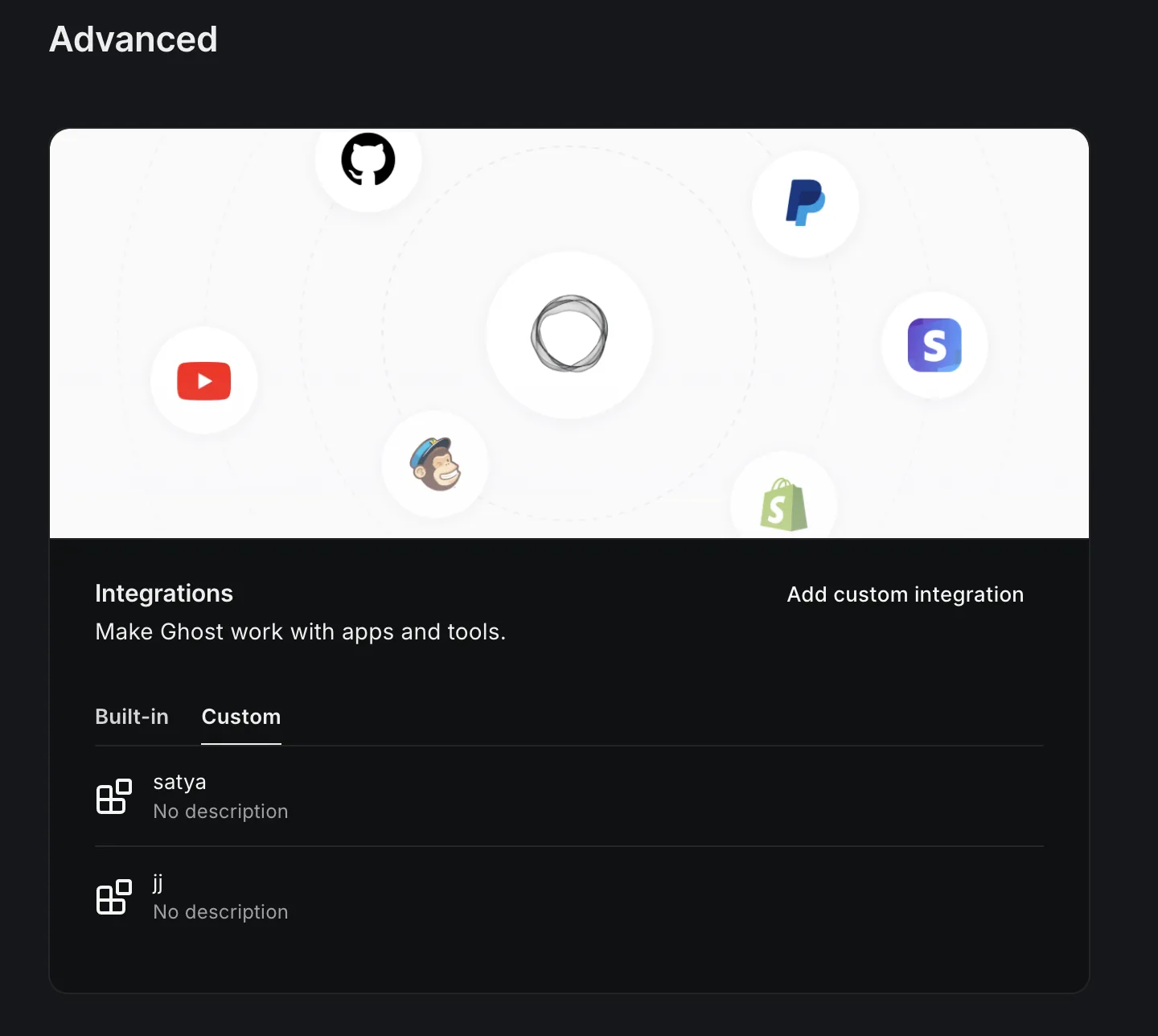
- Open Ghost Admin → Settings → Integrations.
- Scroll to Custom integrations and click Add custom integration.
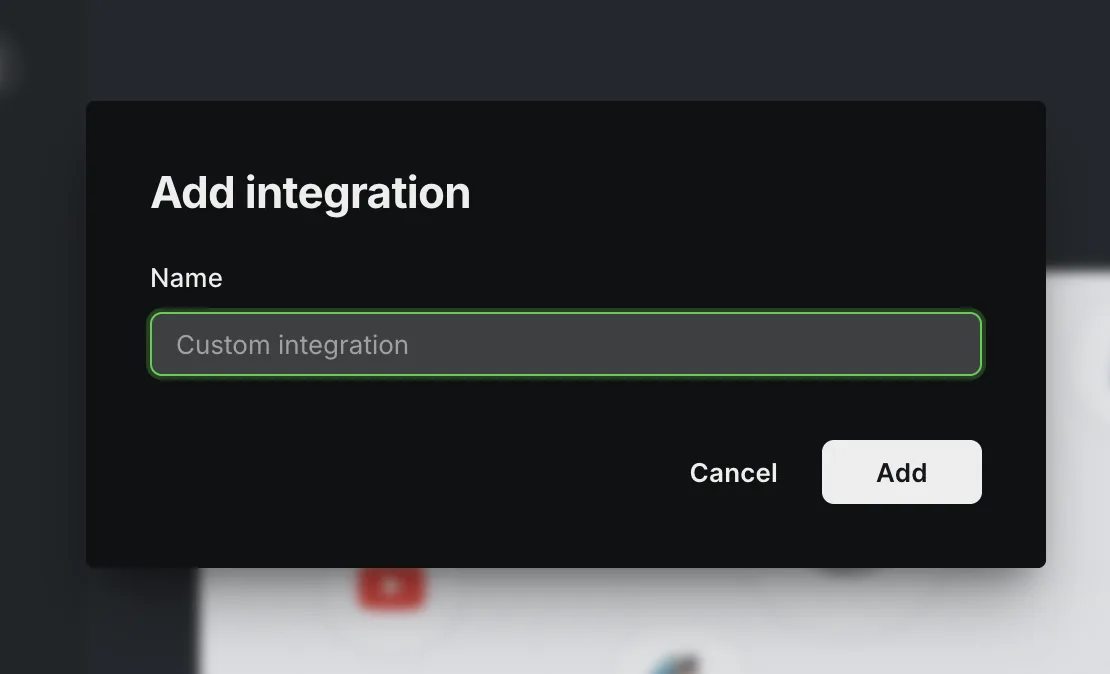
- Name it Azuqe and click Create.
2
Copy your API URL and Admin API Key
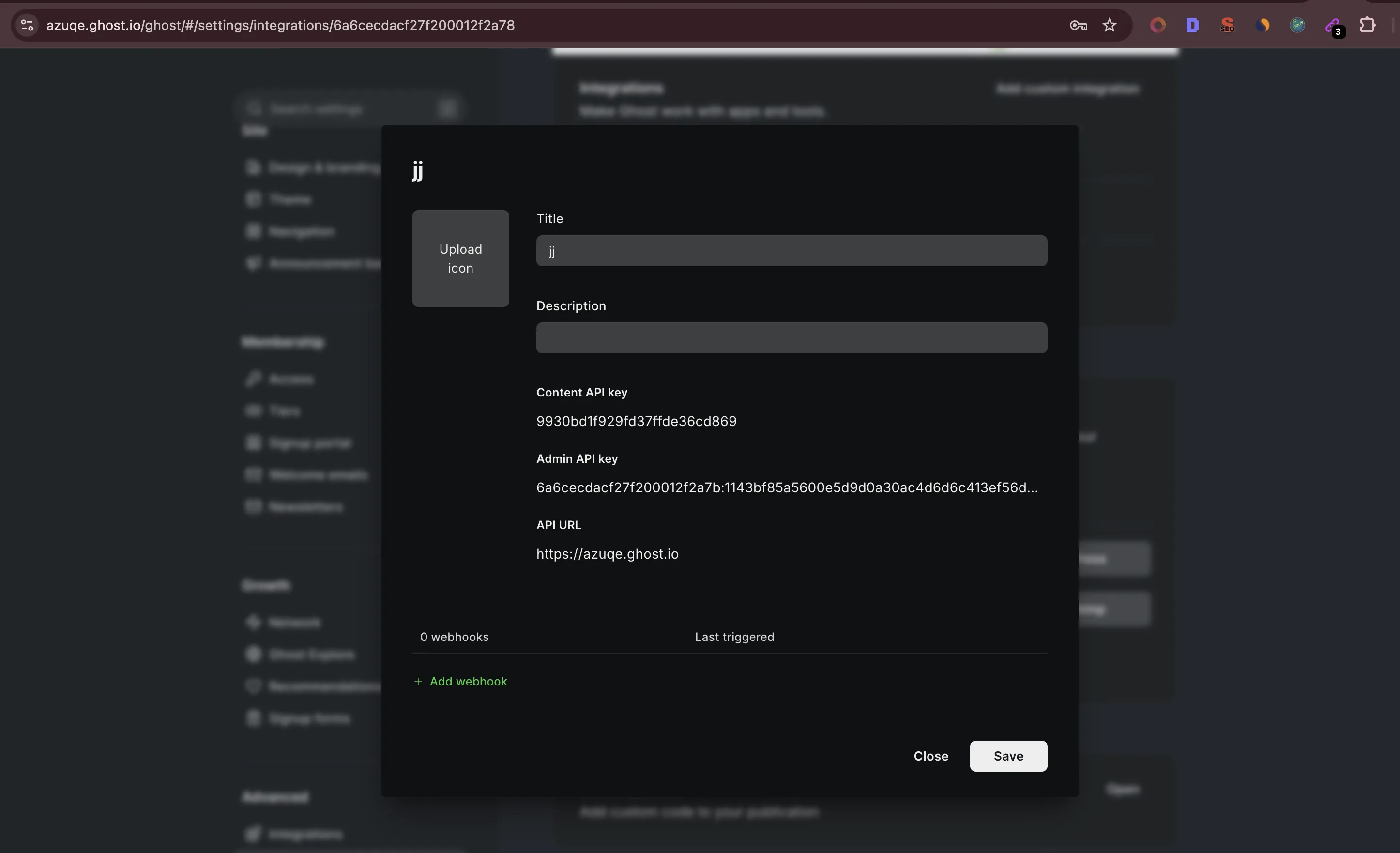
- On the integration's page, copy the API URL (e.g. https://your-site.ghost.io).
- Copy the Admin API Key. It's in the format id:secret. Use the Admin key — the Content API key is read-only and won't work for publishing.
3
Connect in Azuqe
- Open Connected Apps → Ghost → Connect.
- Paste the API URL and Admin API Key.
- Click Connect and run Connection Test.
What Gets Synced
Publishes as native Ghost posts with rich HTML body and featured image.
SEO meta (title + description) auto-truncated to fit the SERP.
Open Graph and Twitter meta mirrored automatically for social previews.
Republish updates the same post — no duplicates.
Remove deletes the post from Ghost.
Troubleshooting
Ready to connect?
Open your dashboard and navigate to Connected Apps to link Ghost.