Can AI Agents Actually Use Your Website? What I Check First
An agent can download every byte of your page and still walk away with nothing. That gap between reading and using is where most agent-ready checklists quietly fall apart. Before I touch structured data, llms.txt, or anything that looks good in a deck, I ask one question: could an agent finish a single task on this site without me narrating over its shoulder?
Can AI agents actually use your website? Often, no, and the cause is rarely the one people expect. Your content is there. Your markup is fine. What breaks is the layer you built for humans: the consent modal, the age gate, the button that only exists after hydration, the form whose fields are named x1 and x2. Agents do not get frustrated. They fail and then report success, which is worse.
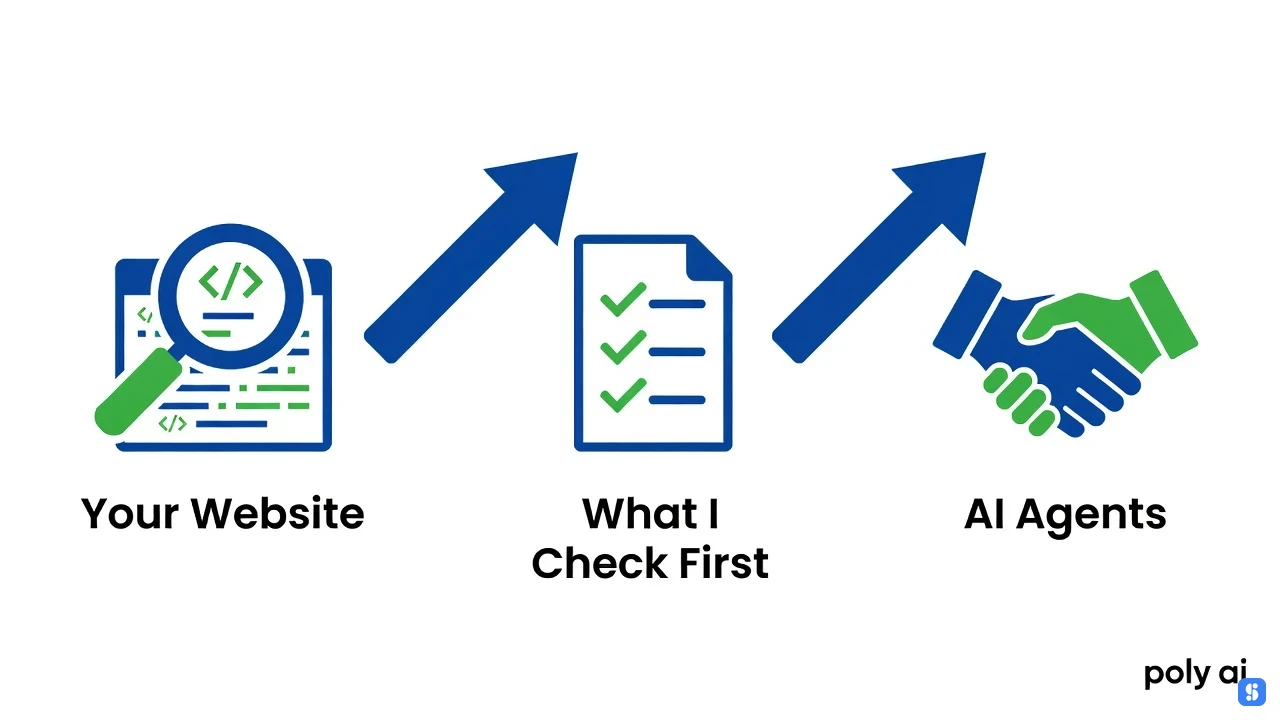
Here is what I check first, in rough order:
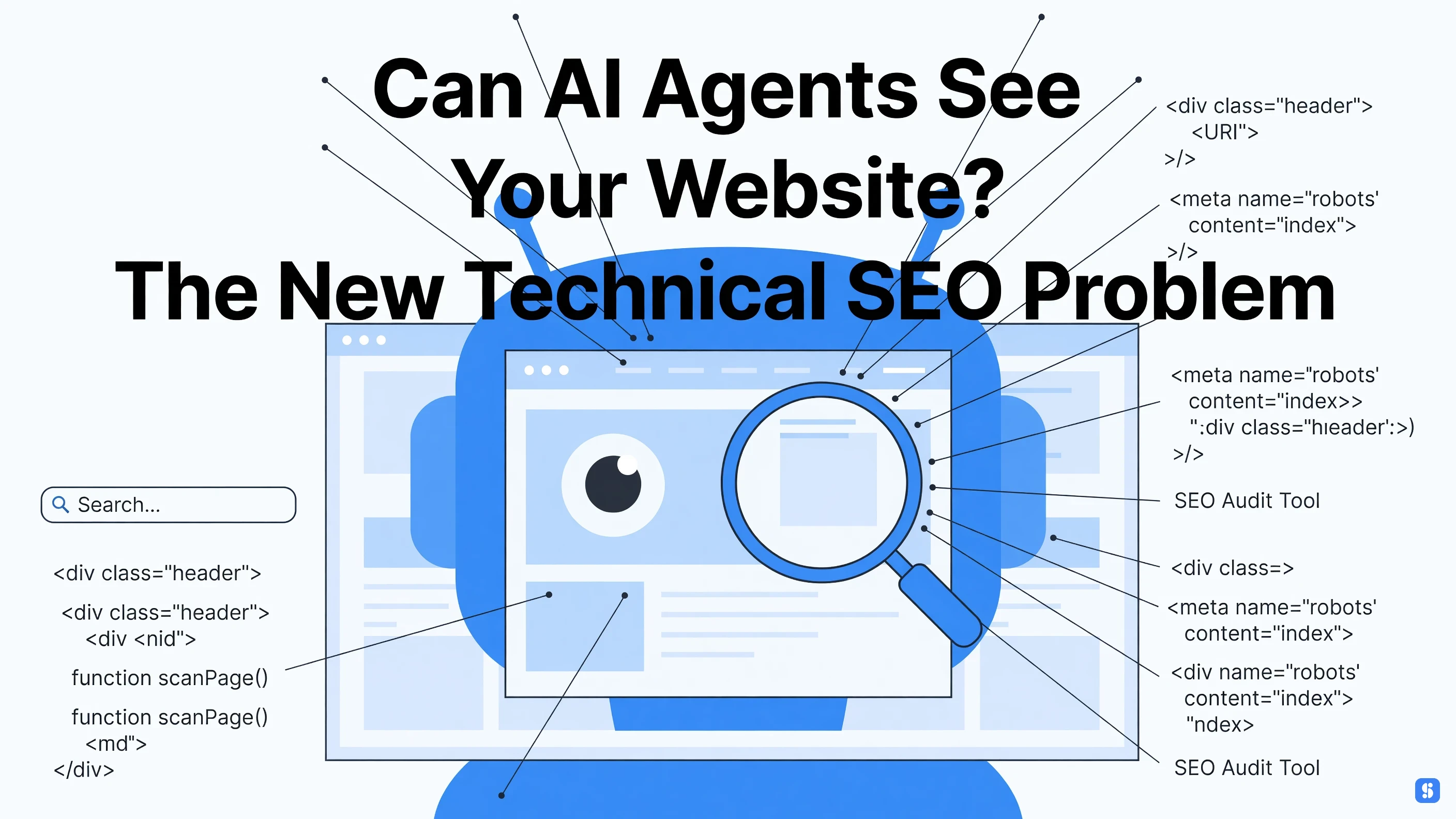
The raw server response. Fetch the URL with no browser and read what comes back. If the main content only appears after client-side rendering, most fetching agents see an empty shell. Googlebot gets patience and a rendering queue. A browser agent on a clock often does not.
Whether a logged-out session can reach the thing. Login walls, cookie banners, newsletter interstitials, and age verification all sit between an agent and your page. If the only path to your pricing or docs runs through an account, treat the site as invisible to agents and move on.
Whether the primary action is operable. Real form elements, real labels, stable URLs, no CAPTCHA on the critical path. An agent can click a button. It cannot solve a puzzle designed to prove you are human, because it is not.
Whether the same task works twice. Agents retry. Anything depending on a session that dies in ninety seconds, or a cart that empties on refresh, fails intermittently. Intermittent is the worst outcome, because your logs look healthy the whole time.
Whether the failure is legible. A 200 response with a "something went wrong" body tells an agent nothing. Clear status codes and honest error text let it self-correct instead of inventing a success.
Worth separating this from the tools people reach for. Google Analytics and Search Console tell you what happened to humans and to Googlebot. Semrush, Ahrefs, and Moz tell you how pages rank and who links to them. None of them attempt a task. A CMS is where you ship the fix, not where you find the problem. Your CRM, email platform, and social scheduler are not in the path at all, though they tend to get blamed when organic traffic dips.
The part I actually enjoy: you can test all of this with agents. Claude Code with a browser tool, or an agent system wired through MCP, will cheerfully attempt your signup, fill your form, and tell you exactly where it stalled. Run it against staging, log every step, and you have a usability test that never gets bored. Multi agent systems make the loop cheaper, one agent drives, another judges the result. Open source browser agents and coding agents handle the rest. On the testing side, customer service teams have run scripted versions of this for years, but an LLM-driven agent improvises, so it finds paths you never planned for, including bad ones.
Interactive chat products sit at the far end of this. Polybuzz AI, Poly AI, Spicy AI, Our Dream AI, Undressing AI, whichever name is current, they are all single-page apps behind an account and often an age gate, with almost no server-rendered content. A fetching agent gets a shell and a login form. That may be the right product decision. It is a terrible agent-readiness decision, and the identical pattern shows up in far less exotic places: B2B dashboards, gated pricing tables, calculators that exist only in React state.
The tradeoff is real and I will not pretend otherwise. Gating content behind JavaScript and login cuts scraping, protects margin, and keeps support tickets down. Open it up and you gain agent traffic you may not be able to monetize yet. I am not sold that the full agent-ready rebuild is worth it for most sites today. I am sold on the cheap half: server-render the core pages, keep the critical action behind no gate, and hand agents a readable failure when something breaks. That is an afternoon. The rest can wait until the traffic shows up.
Key Takeaways
Can AI agents actually use your website? An agent-ready SEO checklist only pays off if the plumbing underneath it is sound, and most sites break at the first step. An agent system, whether you're a beginner or a power user, reads structure, not vibes.
Agents are not chatbots. Chatbots answer; agents plan, act, and observe in a loop.
Tool use and function calling decide what an agent can actually reach, including your site.
Human-in-the-loop checkpoints stop small errors compounding across steps.
LLMs plan well and verify poorly, so testing beats trusting.
Multi agent systems and coding agents like Claude Code raise the ceiling and the failure modes.
Sometimes the right call is no agent at all.
Nothing is agent-ready until a real agent completes one real-world task on it.
Every failed agent visit costs more than a bounce: burned tokens, retries, and an answer pulled from a competitor instead. That is why Can AI Agents Actually Use Your Website? The New Agent-Ready SEO Checklist is really a crawl-budget conversation.
Strip the branding and an assistant is a loop. An LLM reads the page, picks a tool, observes the result, plans again. ChatGPT adds function calling; Claude Code runs that same loop against a repo, editing files and testing until something passes. Multi agent systems just split those roles, and real world teams rarely need more than one.
Chatbots answer. Agents act on something else.
Your HTML is one tool input among many. Most teams fine-tune for human eyes and never check whether an agent can fetch, parse, and trust the page. That plumbing, not the prompt, is the command ecosystem nobody talks about.
How Generative AI Disrupts Search: Notes on the SIGIR 2026 Research
Search stopped being a retrieval problem and became a synthesis problem. That shift is what makes the awkward question behind any agent-ready SEO checklist worth asking: can AI agents actually use your website, or do they just read it, summarize it, and move on? A crawler wants text. An agent wants a task it can finish.
The core ideas behind the disruption are not exotic. A model retrieves candidate pages, decides which are worth opening, then composes an answer instead of a list of links. Citations become the ranking surface. When an assistant quotes you, you win the click. When it paraphrases a competitor, you do not exist.
Then comes the agent layer, where it gets messier. Multi agent systems split one job across a planner, a retriever, and a verifier, and every handoff is a place your page can drop out. Anyone who has watched coding agents like Claude Code work through a repo knows the shape: plan, act, observe, retry. MCP in Claude Code is just the socket for tools. The same loop now reads a pricing page or books a demo.
In the real world that means unglamorous things. Structured data, stable URLs, server-rendered HTML, and no interstitials gating the content. LLMs do not trust what they cannot parse, and they rarely retry the way a person does. Open source MCP servers let you run that testing yourself against your own pages, which beats guessing. Do it before you rewrite another meta description.
I am not sure how durable much of this is. An agent system stays brittle across long chains, and one bad parse kills the run. Build for the one that gives up fast.
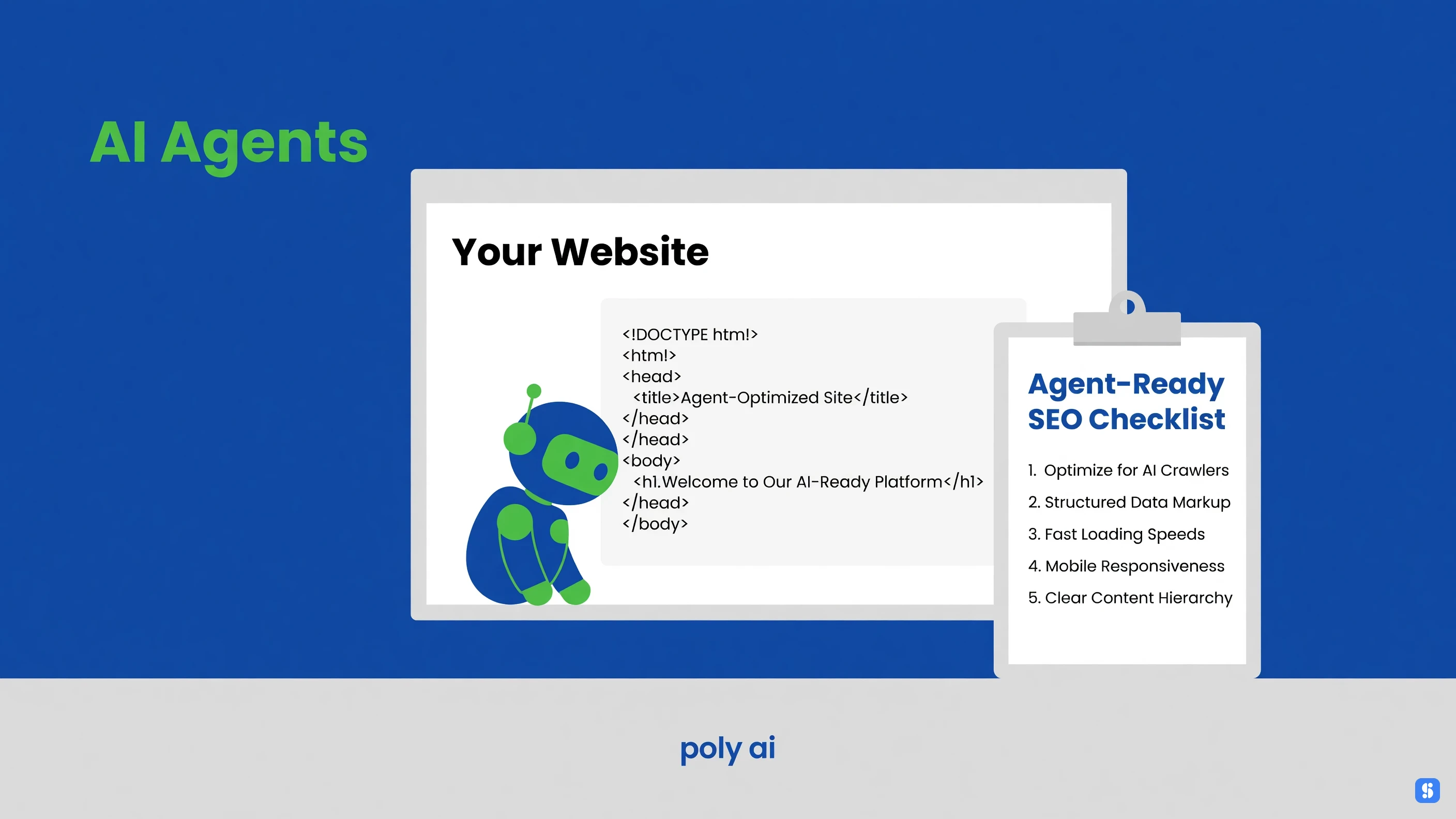
The Agent-Ready SEO Checklist: What Actually Blocks Agents
Most of the blockers are dull, and the tradeoff is that fixing them helps human visitors too, so none of this is agent-only work. If you're asking can AI agents actually use your website, the honest answer starts with whether a plain HTTP fetch returns your content at all.
Client-side rendering with nothing in the initial HTML. Agents that fetch and parse see an empty shell.
Forms gated by CAPTCHA, session cookies, or a bot check.
Prices, specs, and docs behind a demo-request wall.
No structured data, so the page has to be guessed at.
Robots.txt blocking the crawlers that feed retrieval and training.
Two different problems get lumped together here: an agent browsing your site over the open web, and an agent calling a tool server you exposed yourself. With MCP in Claude Code, you own the schema and the failure modes. On the open web you don't. Fix rendering and walls first. Everything after that is polish.
Best Practices: The Workflow Tricks Nobody Bothers to Write Down
Most teams run Can AI Agents Actually Use Your Website? The New Agent-Ready SEO Checklist once, right before a launch, and then forget it exists. The sites that keep passing treat it as a recurring job instead of a one-time project. Put it on the same calendar as your release notes.
A few things that save hours:
Keep llms.txt and JSON manifests in the same repo as the site, so they ship with the code.
Re-run fetch testing after every render or CDN change, not quarterly.
Read real-world request logs. Hard blocks usually sit in headers, not robots.txt.
Leave human approval on anything an agent writes back.
Coding agents like Claude Code turn half of this into a five-minute job. If your agent system calls tools through MCP in Claude Code, test the tool call itself, not just the page fetch. The rest is still judgement.
Why Can't AI Agents Actually Use Your Website? Common Mistakes
The mechanism is almost always the same. The agent fetches your URL, gets an HTML shell with no readable content in it, and moves on. If your product pages, pricing, and docs render client-side only, a plain fetch returns nothing useful. That is the first failure on any agent-ready SEO checklist, and it has nothing to do with your content.
The rest are self-inflicted:
Robots.txt rules or bot walls that block anything without a browser fingerprint.
No structured data, so prices, stock, and specs stay ambiguous.
Key content sitting behind forms, logins, or interstitials.
No stable per-product or per-doc URLs, so an agent cannot cite a specific page.
Open source crawlers and coding agents hit the same walls. Test with a plain HTTP fetch, not a browser, and you will see exactly what they see.
Where Azuqe Fits, and Where It Does Not
An agent-ready site, defined plainly, is one an agent can find, parse, and act on without a human stepping in. Whether the Can AI Agents Actually Use Your Website? The New Agent-Ready SEO Checklist premise holds up in the real world, I would still call unsettled.
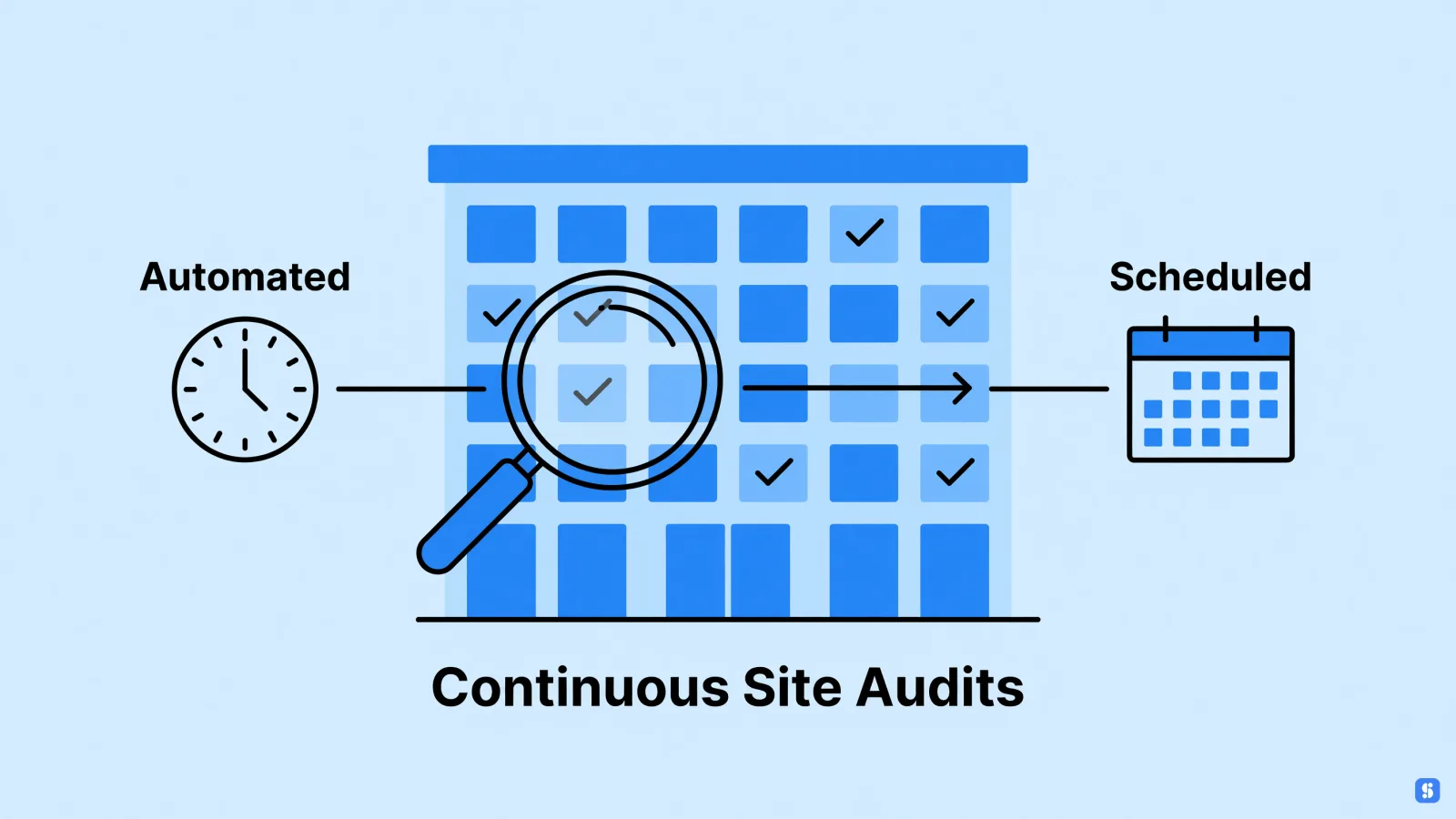
Azuqe watches visibility across classic SERPs and AI answer engines in one score. It tracks citations in ChatGPT and Gemini, and it runs continuous audits with a Fix Center that clears technical errors without a developer. That covers the mechanical end of the checklist.
What it will not do: it is not a CMS, CRM, or analytics tool, and it will not make an agent trust thin content or a broken data layer. Claude Code, open source MCP servers, and multi-agent systems stay your problem. If the real issue is system design, no SEO platform fixes it.
Frequently Asked Questions
Here's the tradeoff worth naming up front: everything that makes an agent useful on your site is also what makes it fragile. Whether AI agents can actually use your website comes down to access and structure, not model intelligence. Short answers below.
Are AI agents actually working, or is this still mostly demos?
Both, and the split is predictable. Narrow tasks with one tool and a readable output hold up. Long chains don't, because per-step accuracy compounds downward. A step that's right 95% of the time stops being dependable well before the tenth hop. The gap between a slick demo and a real world agent system is usually data access, not model quality. Plenty of pitch decks describe an agent. Far fewer ship one.
What can AI agents do and not do on a website?
An agent can fetch a page, follow links, fill a form, and pull structured values out of your markup. It can't hold a logged-in session it was never granted, guess your brand voice, or wait politely while your CMS rebuilds a page. Multi agent systems and MCP in Claude Code tidy up the plumbing. They don't add judgment.
Worth separating the neighbors here, because people lump them together. Google Analytics, Search Console, Semrush, Ahrefs, and Moz measure and report. A CMS, a CRM, or an email marketing platform is where an action actually lands. None of those are agents, and none of them make your site readable to one.
Which jobs will survive AI?
The ones that own a decision and answer for it. Coding agents like Claude Code produce solid first drafts, and someone still signs off before it ships. Roles defined as generating an artifact are exposed. Roles defined as being accountable for an outcome are not. That line moves, and I genuinely don't know how far.
Should I block GPTBot and other AI crawlers?
Only if you've decided citations matter less than training opt-out. Blocking keeps your content out of training and out of answers, which on most sites is a net loss. Testing it is cheap. Write the robots.txt rule, then check two weeks later whether your pages still show up in AI answers. Open source crawlers ignore the file anyway.
Conclusion
The tradeoff is simple: this is work you do once and then quietly break with the next deploy. Can AI Agents Actually Use Your Website? The New Agent-Ready SEO Checklist mostly answers "yes, if you keep the boring parts boring." Agents don't need clever. They need a stable URL, readable HTML, a database that doesn't choke on a fetch, and schema that hasn't drifted.
I'm still not sold on the hype around agent system design. But the practical version is cheap: check what a crawler actually sees, drop the auth wall on public pages, and stop rendering your prices in JavaScript.
Do that and the agents show up. Skip it and you'll keep wondering why ChatGPT quotes your competitor.
From our experience
In running Azuqe, we've found that the Citation Ranking Dashboard is where most teams start: it shows which sites AI engines cite most, how those citation counts are trending, and your own citation rate as it moves.
Our users consistently lean on the on-page crawler, which fetches pages with a Googlebot-style user agent and checks canonical tags, meta descriptions, titles, heading hierarchy, image alt attributes, noindex directives, HTTP status codes, and outlink count.
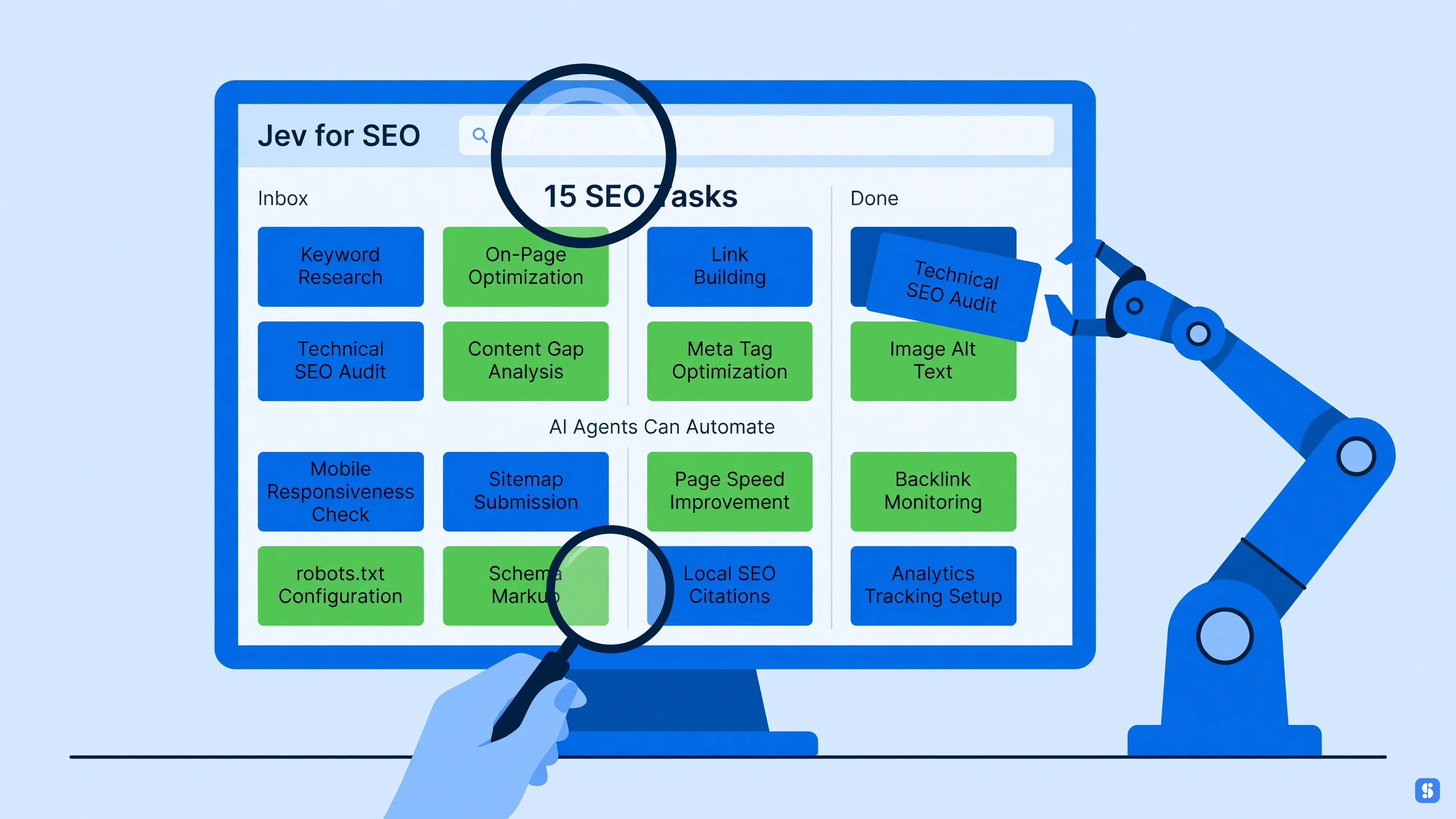
We've seen that AIM coordinates a team of specialized agents, Scout, Scribe, Medic, Sleuth, Herald, and Sentinel, so keyword analysis, content work, technical diagnostics, competitive intel, publishing, and rank watching don't all land on one person.
One honest limitation we've run into: AI Visibility runs only cover ChatGPT, Gemini, and DeepSeek on Pro and Max plans, even though our marketing shows support for eight engines including Claude, Perplexity, and Grok.
We've also found the billing model is rigid in ways people notice, monthly only with no annual or prepay discount, and the free trial applies just to your first website, with additional sites charged immediately.